GREEN SCREEN REMOVER / EXPORT HELP
Green fringe or transparent edge: which control should I change?
Check the matte first. If the edge is too transparent, revisit the sampled color and key settings before using spill cleanup. If the required shape survives but its color is green, compare spill cleanup on the same frame. In our synthetic PeelMyVideo test, changing spill altered edge RGB but left every alpha value unchanged; it did not restore missing opacity.
On this page
Color and opacity can fail separately
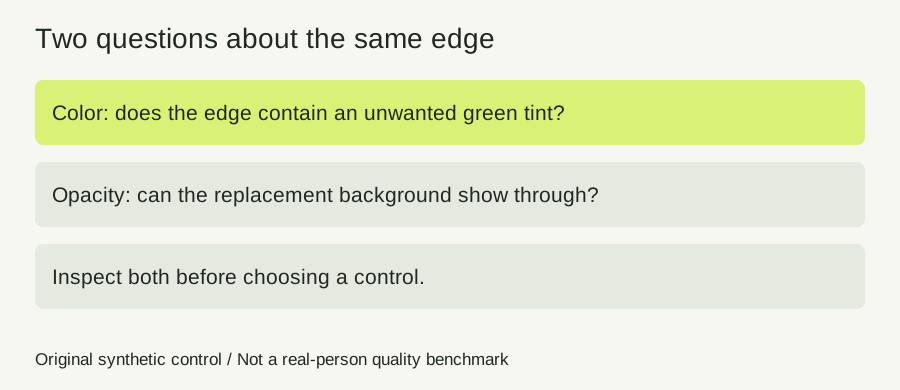
A green outline and a see-through outline are different observations. A pixel can have an unwanted tint while still contributing enough opacity, or it can have a neutral color while the replacement background shows through too strongly. One composite over white can conceal either problem.
A public editing question reports shimmering edges and slight transparency over a different background. That is a real user task, but it does not establish one cause or one universal repair. Our test below isolates a single control in the current PeelMyVideo keyer instead of diagnosing that other editor from a post.
Our original twelve-condition edge control
We created an opaque 64 by 48 RGBA image, or 3,072 pixels. A 24 by 24 square represents the subject region. Its inner 20 by 20 square is RGB 100,100,100; its two-pixel border is RGB 50,177,50. The surrounding background is RGB 0,255,0. Those assigned regions let us inspect an edge, solid interior and empty background independently.
We ran the actual current keyPixels function and its smoothing helper directly on that buffer. The selected key stayed #00ff00. We tested tolerance 0, 28 and 60, softness 0 and 12, and spill 0 and 100: twelve conditions, organized into six paired spill comparisons. Source pixels and the other settings stayed identical within each pair.
For each pair, we compared all 3,072 output alpha values, not just the illustrated pixel. All six comparisons were identical in alpha. This is a direct pixel-processing test, not a measurement of video decoding, temporal stability, a real hair strand or an exported file in another application.
Measured color changed while measured alpha did not
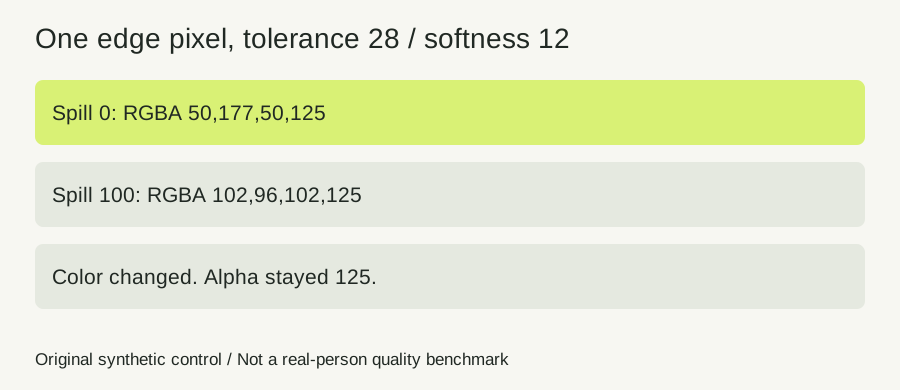
At tolerance 28 and softness 12, the sampled border pixel changed from RGBA 50,177,50,125 with spill zero to RGBA 102,96,102,125 with spill 100. The green component fell, the other color components changed, and alpha stayed 125. The interior control stayed RGBA 100,100,100,255. The empty background remained at alpha zero.
| Tolerance / softness | Edge alpha, spill 0 | Edge alpha, spill 100 |
|---|---|---|
| 0 / 0 | 127 | 127 |
| 0 / 12 | 126 | 126 |
| 28 / 0 | 125 | 125 |
| 28 / 12 | 125 | 125 |
| 60 / 0 | 123 | 123 |
| 60 / 12 | 123 | 123 |
Increasing tolerance slightly reduced this sampled opacity, while spill did not change it. This is not a recommendation to use maximum cleanup. The corrected pixel also changed its red and blue components, so inspect the actual color rather than assuming a lower green value means a perfect edge.
From our source project, run node scripts/check-spill-alpha.cjs to reproduce the buffers, conditions and alpha assertions. Keep the code version beside the results. Our conclusion is narrow: in this test, the spill control did not rebuild opacity. Do not assume all software defines spill suppression the same way.
A same-frame worksheet for choosing the next control
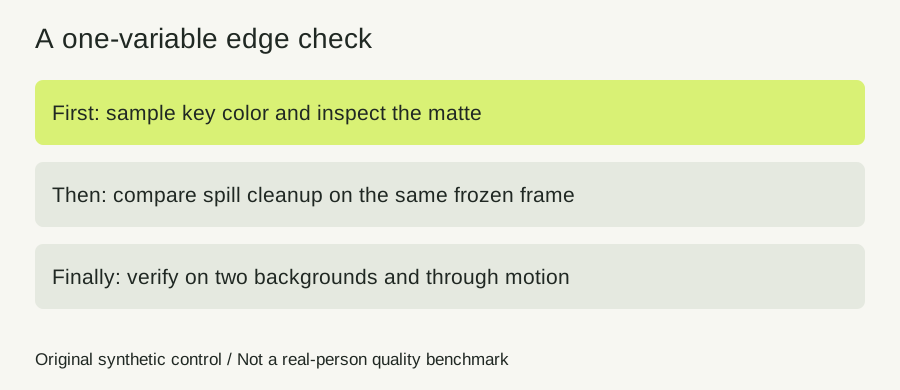
Freeze a representative frame and choose three inspection points: a required opaque interior, a difficult edge and an empty background region. Write one observation about opacity and another about color at each point. Keep the sampled screen color and settings with the screenshot so the comparison can be repeated.
Start in Matte view to check coverage. If required subject areas have holes or unwanted transparency, compare the key sample and tolerance first. Do not raise spill cleanup to solve missing coverage. If the screen remains visible, use the separate background-sampling diagnosis rather than treating the whole problem as edge tint.
Once the shape is usable, keep that frame and key configuration fixed. Compare spill cleanup at low and higher settings in the normal result view. Record whether the tint improves, becomes gray or shifts to another unwanted color. Check both a bright and a dark replacement background, because the same edge can look acceptable against only one of them.
Use softness only with a specific transition problem to inspect. Recheck the opaque control after the adjustment. Save the better setting, then scrub through motion and compare more than one frame. This worksheet is an observation sequence; it does not promise automatic hair restoration or correct every source.
Know when a slider cannot finish the repair
A single frame cannot establish that the entire clip is stable. Source noise, motion blur, changing reflections and compression can change the edge through time. Our flat synthetic border contains none of those conditions.
PeelMyVideo does not provide a tracked subject mask or a manual clothing restoration brush. If required foreground overlaps the selected screen color, a separate mask in a suitable editor or a revised capture may be needed. Keep the unmodified source rather than attempting to reconstruct it from a flattened export.
Quick answers and the next useful check
Should I adjust tolerance, softness or spill first?
Inspect what is wrong first. Key sample and tolerance concern the removed color and coverage; softness concerns the transition; compare spill when the remaining task is edge color. The same label in another editor may behave differently.
Will spill cleanup restore a green shirt?
It is not a restore brush. See the green-clothing control for that separate conflict.
What if only the screen corners remain?
Compare clear-screen samples using our uneven-corner test.
What if the edge looks correct but the exported file is black?
Separate file transparency from player display with the black-export diagnosis. A color correction in the preview is not proof of destination support.
Sources and further reading
- Original community question about shimmering and transparency — Original post and replies read November 7, 2026. Exact post date not verified; cached relative dates are not converted into a guessed date. The question motivates the distinction, not a Resolve test.
- Adobe: chroma-key parameter reference — Official parameter families distinguish matte work, spill suppression and color correction. Read November 7, 2026. Values and control behavior are not transferred to our product.
- Sleek green screen tool — Fixed-domain comparison page reread November 7, 2026. It describes sampled color, tolerance and softness. No claim that all competitor pages lack spill guidance.